A pomodoro timer for Mac and iPhone that turns every break into a guided stretch.
How it started.

Nine hours in this chair.Again.

By winter, it hurt to walk.

Break time.I reach for my phone.
Then — my mom.She loves sending stretch videos.

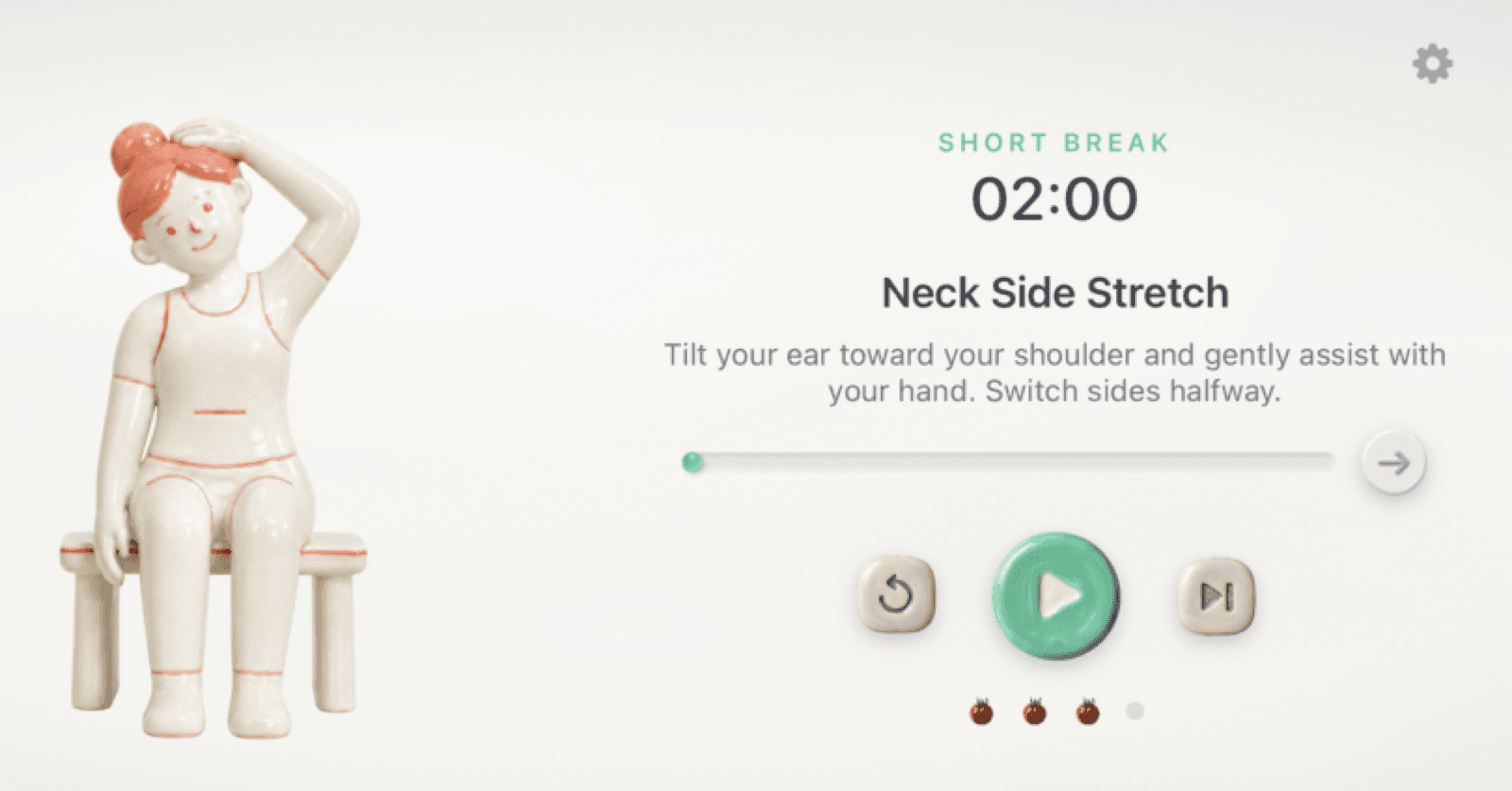
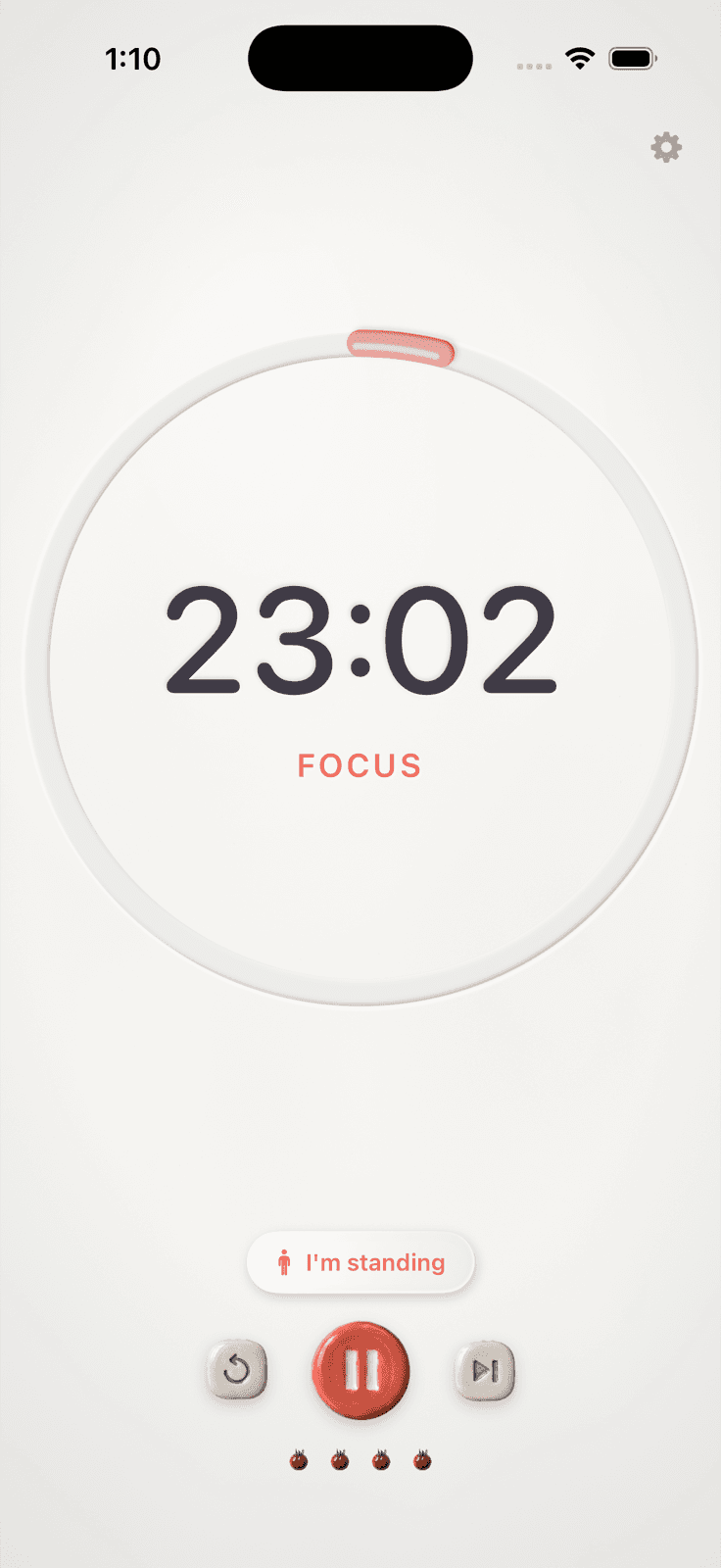
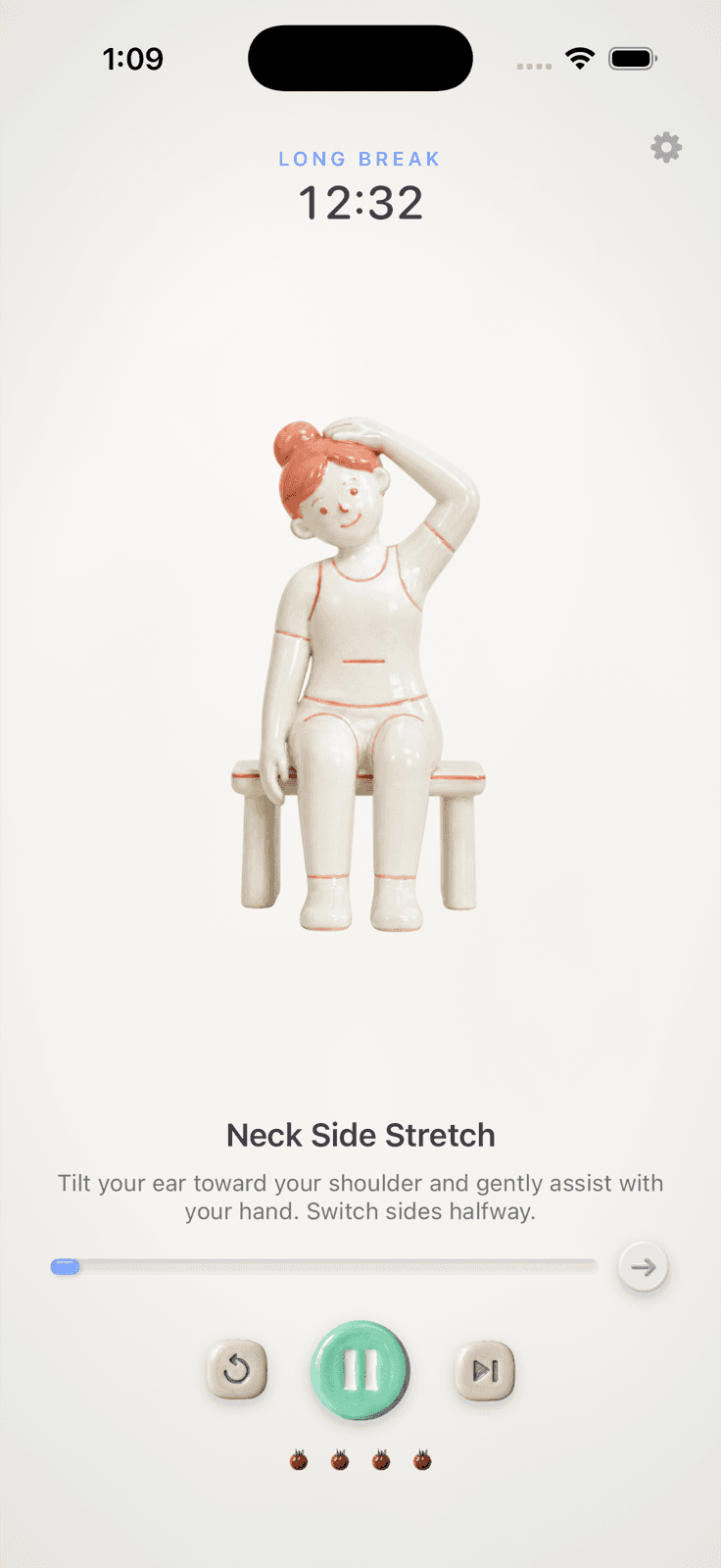
The timer says when.The stretch says what.
I just like how ceramic looks.
The stretch guides are ceramic because I like the texture — the glaze, the soft edges, the way the light sits on it. I generated them with ChatGPT.





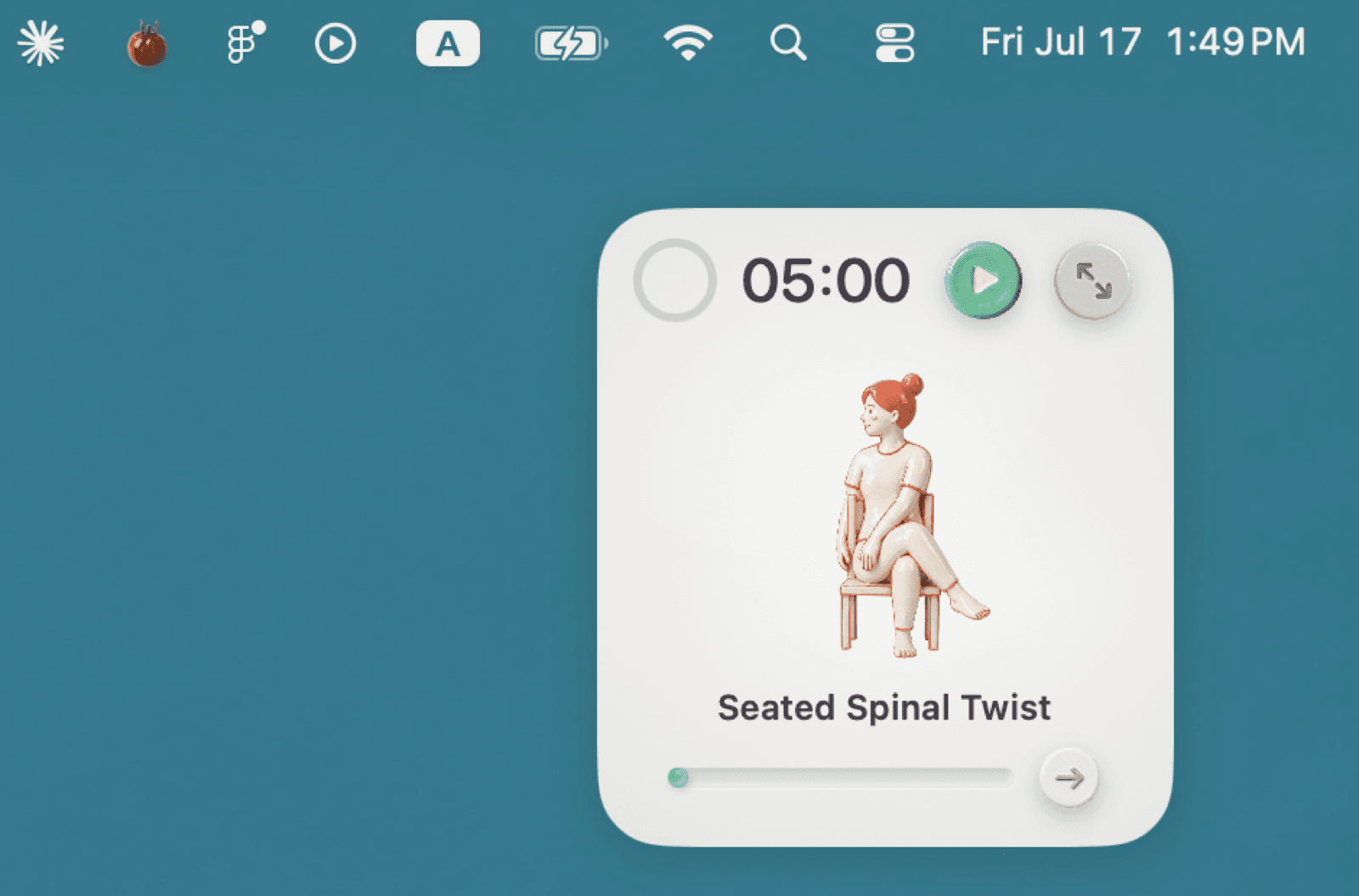
A tomato in the menu bar.
The timer lives in the menu bar and stays out of the way while I work. When a break starts, a small panel floats in with the stretch, so the thing I'm supposed to do is already on screen — no deciding required.
It keeps going when the app doesn't.
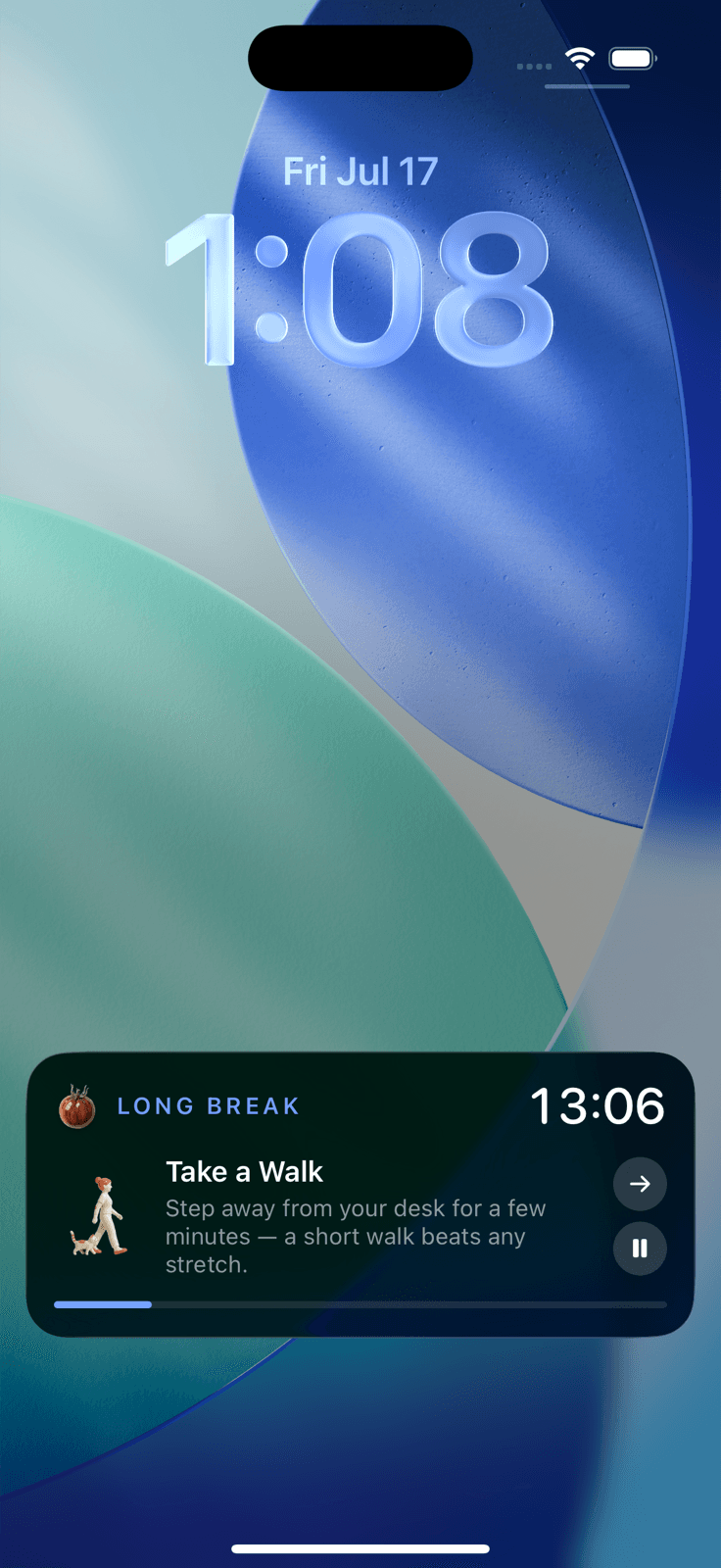
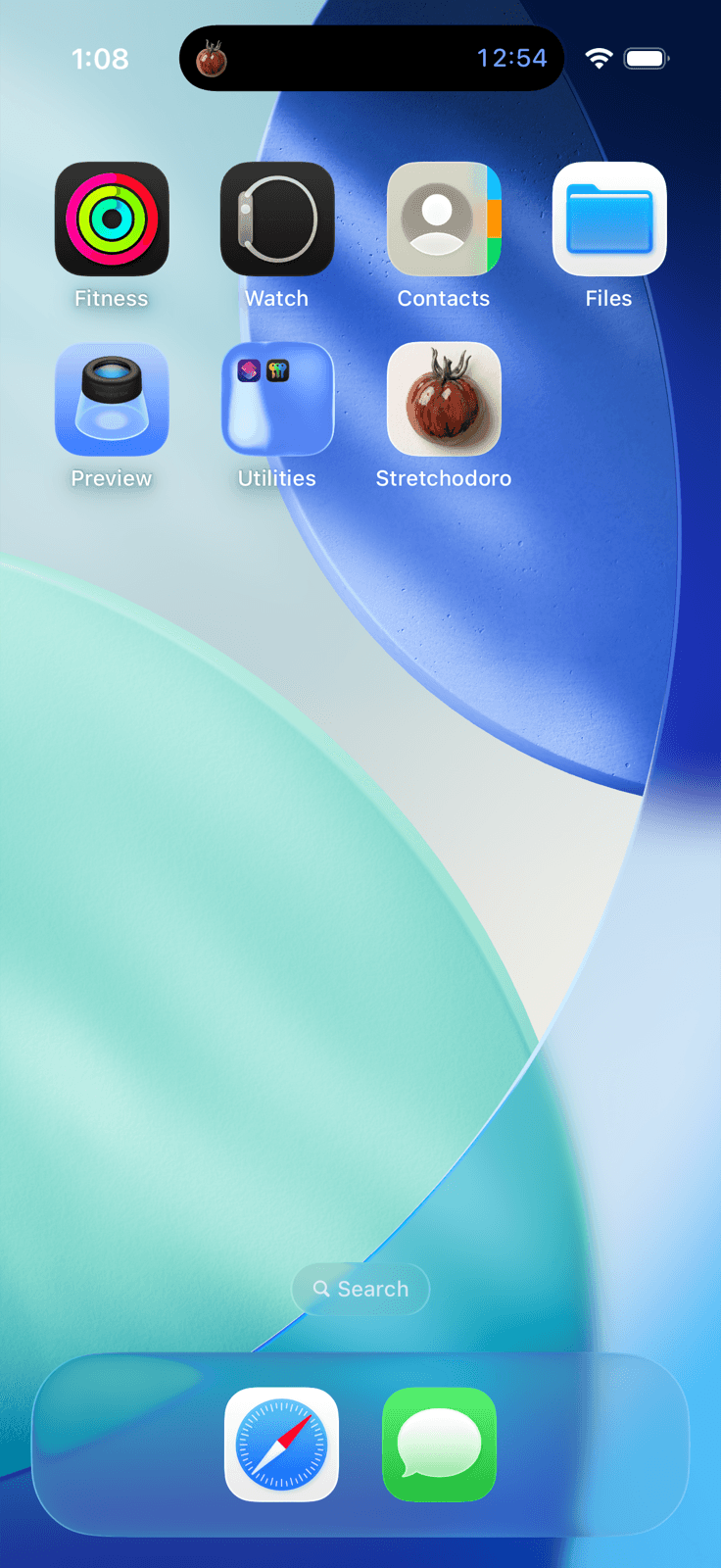
The iPhone version runs the timer as a Live Activity, so the countdown and the current stretch sit on the lock screen and in the Dynamic Island — still ticking while the app is closed and the phone is locked. Which matters, because the whole point is that I've walked away from the desk.
Take it for a spin.
Stretchodoro isn't on the App Store — it's a personal build I use every day. If you're on an Apple Silicon Mac, you can grab it here.
Download for MacIt's an unsigned build, so the first time you open it macOS will say it can't verify the developer. Right-click the app and choose Open, then confirm — once is enough. The iPhone version isn't downloadable: Live Activities need a build shipped through TestFlight or the App Store.